Build Interactive Layouts for Any Space
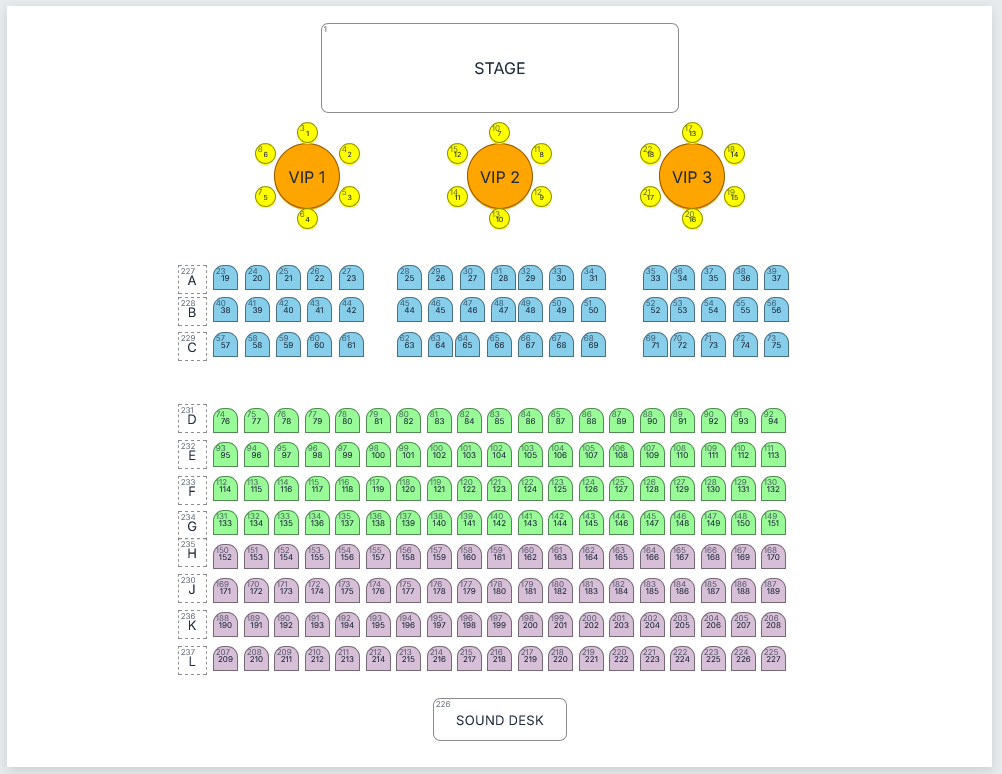
Design seating plans, parking layouts, exhibitions, museums, marinas and more. Create responsive interactive layouts visually and export them for your own websites and applications.
Loading...
Please wait while we prepare the page.
You appear to be on a slow network.
One Builder. Endless Possibilities.
Create interactive layouts for almost any venue, space, or booking requirement.
Theatre Seating
Car Parks
Museums
Marinas
Floor Plans
Exhibitions
Build Visually. Export Easily. Book with osConcert.
Create interactive seating plans, floor plans and bookable layouts using a flexible visual editor.
Add seats, tables, labels, stages and other objects directly to the workspace. Position, resize, rotate, colour and arrange them to match almost any venue or space.
Drag and Position
Place objects exactly where you need them.
Resize and Rotate
Adjust dimensions, shapes and angles visually.
Colour-Code Areas
Organise sections, prices and object types clearly.
Import and Export CSV
Save, transfer and reuse complete layouts.
Layouts can be exported in the osConcert seat-plan format, allowing selectable objects to become live seats or bookable spaces inside a complete online ticketing system.
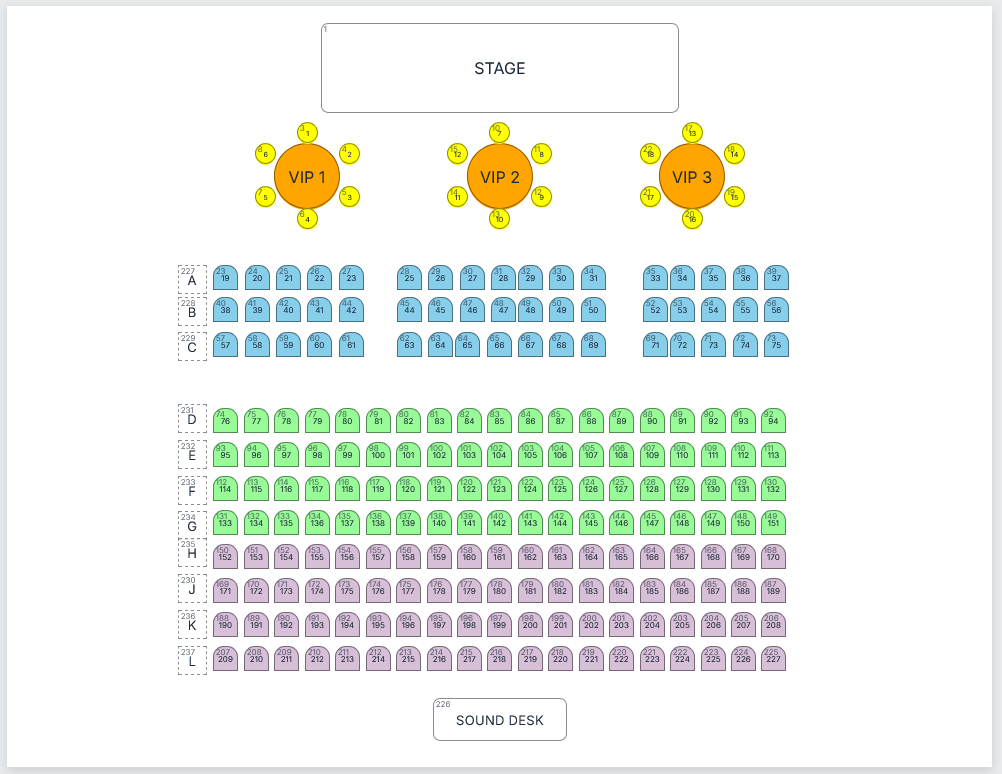
1. Build the Layout
Create seats, tables, labels, stages and visual objects inside the drag-and-drop workspace.
2. Review and Refine
Adjust spacing, numbering, colours, dimensions and object positions until the layout is ready.
3. Book with osConcert
Export the completed plan and turn the selectable objects into live seats or bookable spaces.
Create Manually—or Let AI Help
The structured ClickableMaps format means a capable AI assistant can help calculate rows, spacing, symmetry, seat numbers and object positions before generating an initial layout file. Import it into the builder, review it visually and make the final corrections yourself.
Generate with AI.
Refine visually.
Book with osConcert.